Click your name in the top-right corner of the portal and select User Management.

Click + Add in the top-right corner.
Enter the first name, last name, and email address on the left side of the window.
Only select Administrator if applicable. For more information on user roles, click here.
Click Add.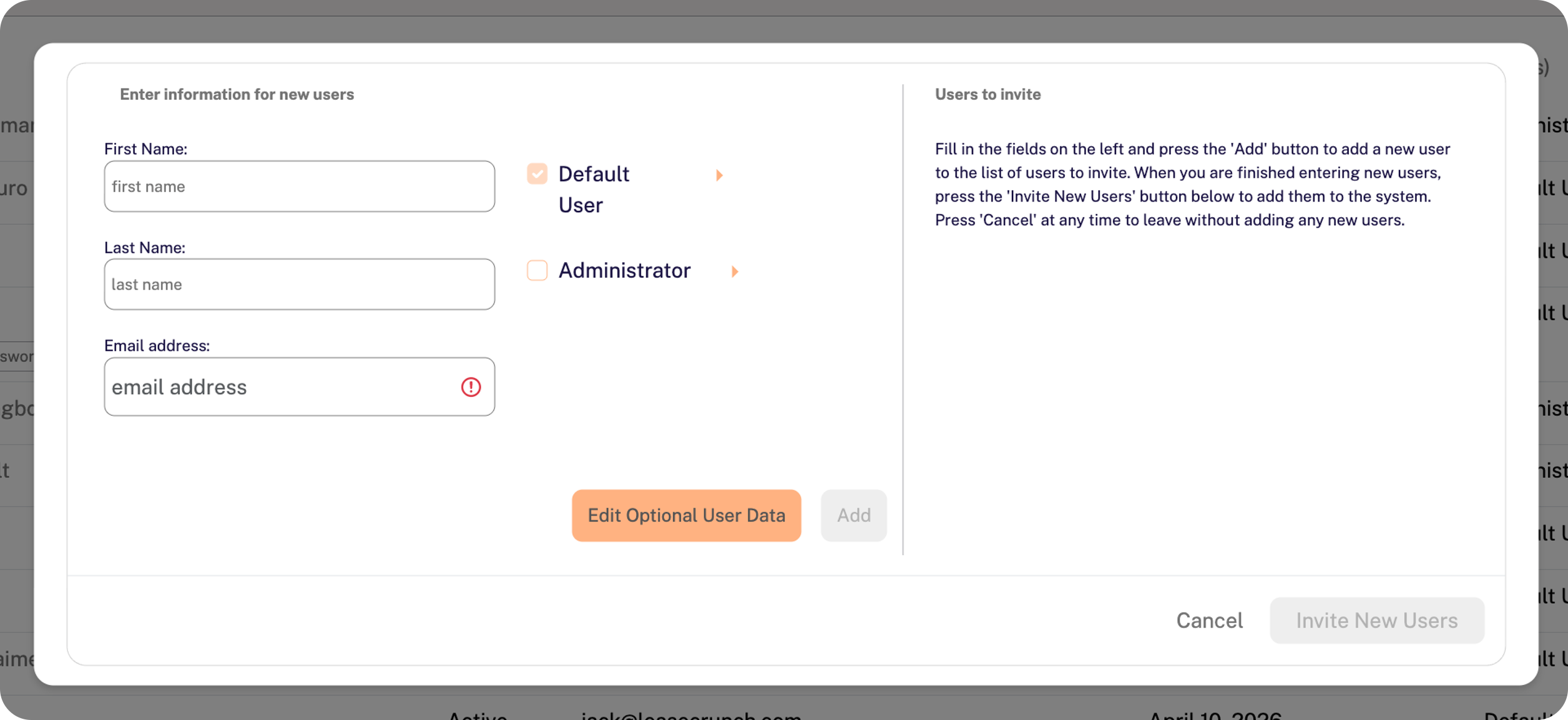
Repeat Steps 3-5 above if you need to invite multiple users at once.
Click Invite New Users in the bottom-right corner of the window.
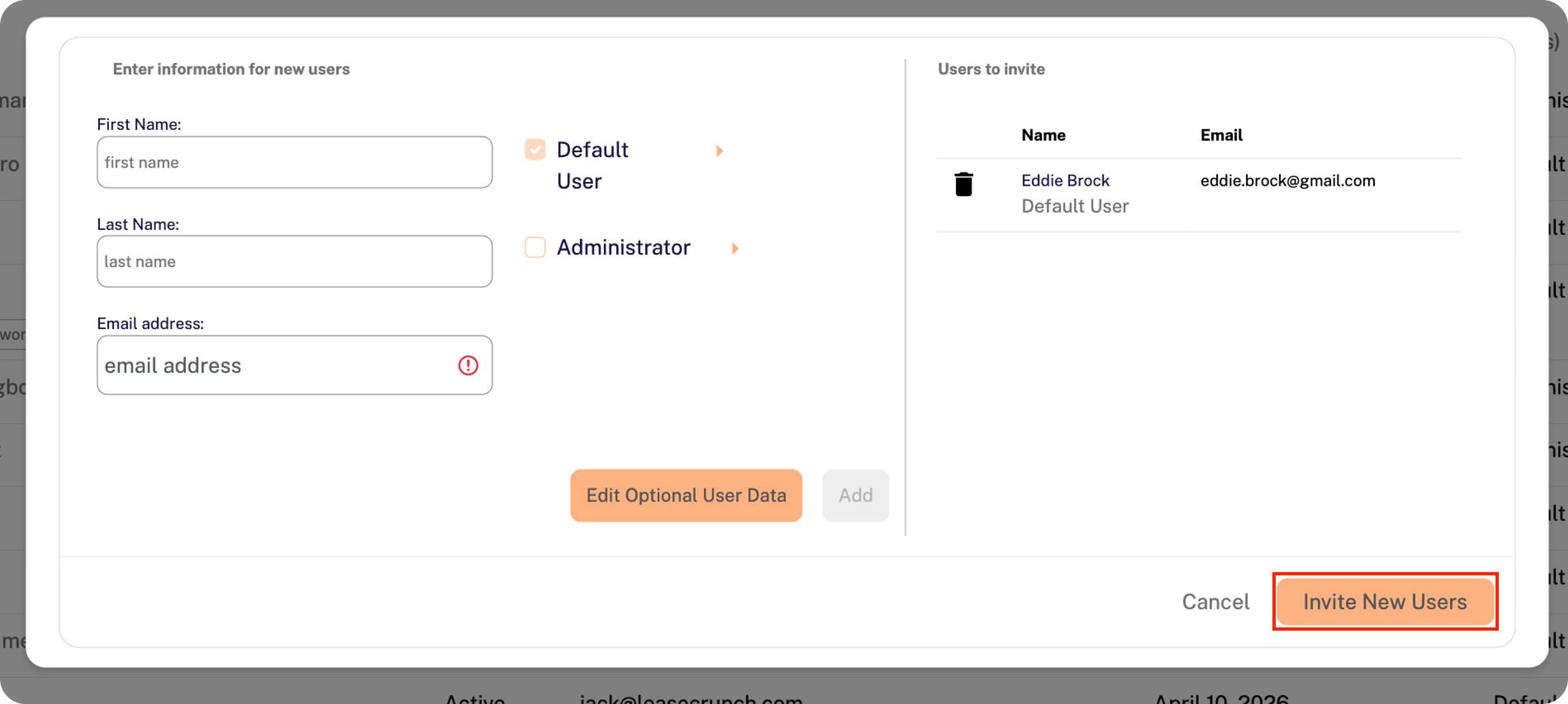
The user(s) will receive an email notification with a link to set up their password.
The new user invitation expires within 48 hours of receipt.
The invitation can be re-sent from the User Management page if needed.