
-
Click your name in the top-right corner of the portal and select User Management.

-
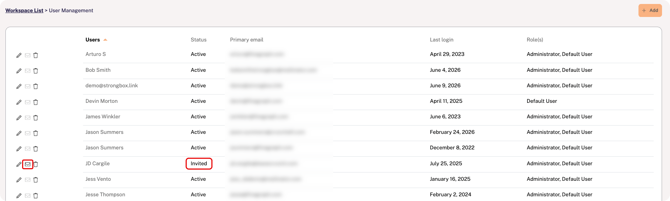
Find the user on the list and click the envelope icon at the far left of the row (the user's status must be Invited).
Additional Notes
-
The link in the new invitation will expire within 48 hours.
-
If the user does not receive the invitation email, confirm that the inbound email address (noreply@strongbox.ai) is not being blocked by a spam filter.