BUCS Analytics is now part of Crunchafi! Read the announcement.
Featured
FRS 102 Section 20 Lease Accounting: A Guide for Chartered Accountancy Firms
A Complete Guide to ASC 842 Journal Entries: ASC 842 with Examples
Why Crunchafi
Wondering what makes Crunchafi different?
How can we help you?
Categories
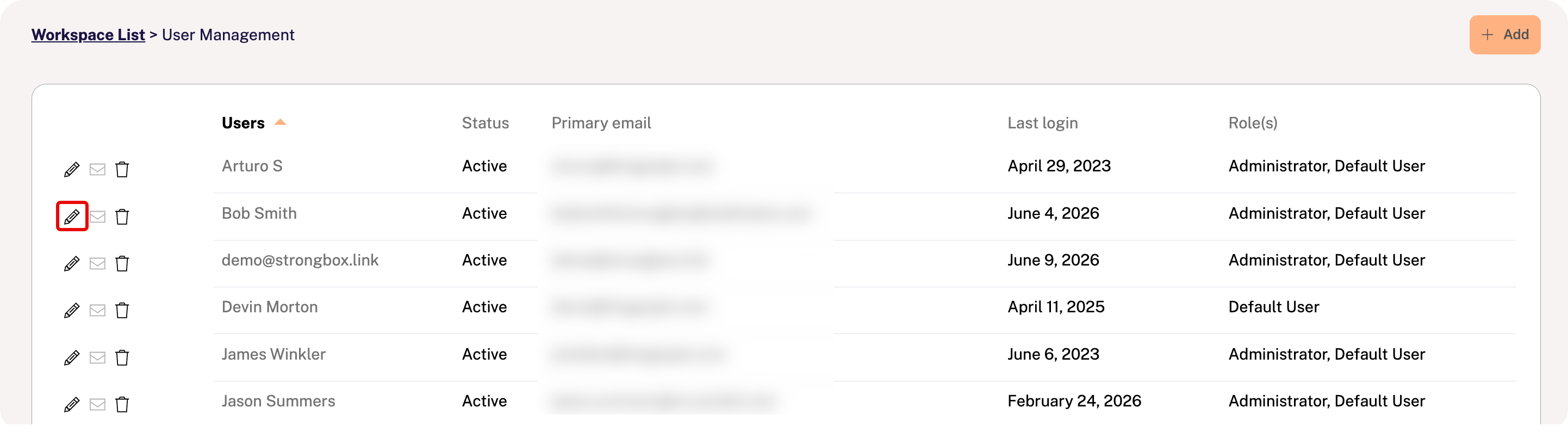
Click your name in the top-right corner of the portal and select User Management.
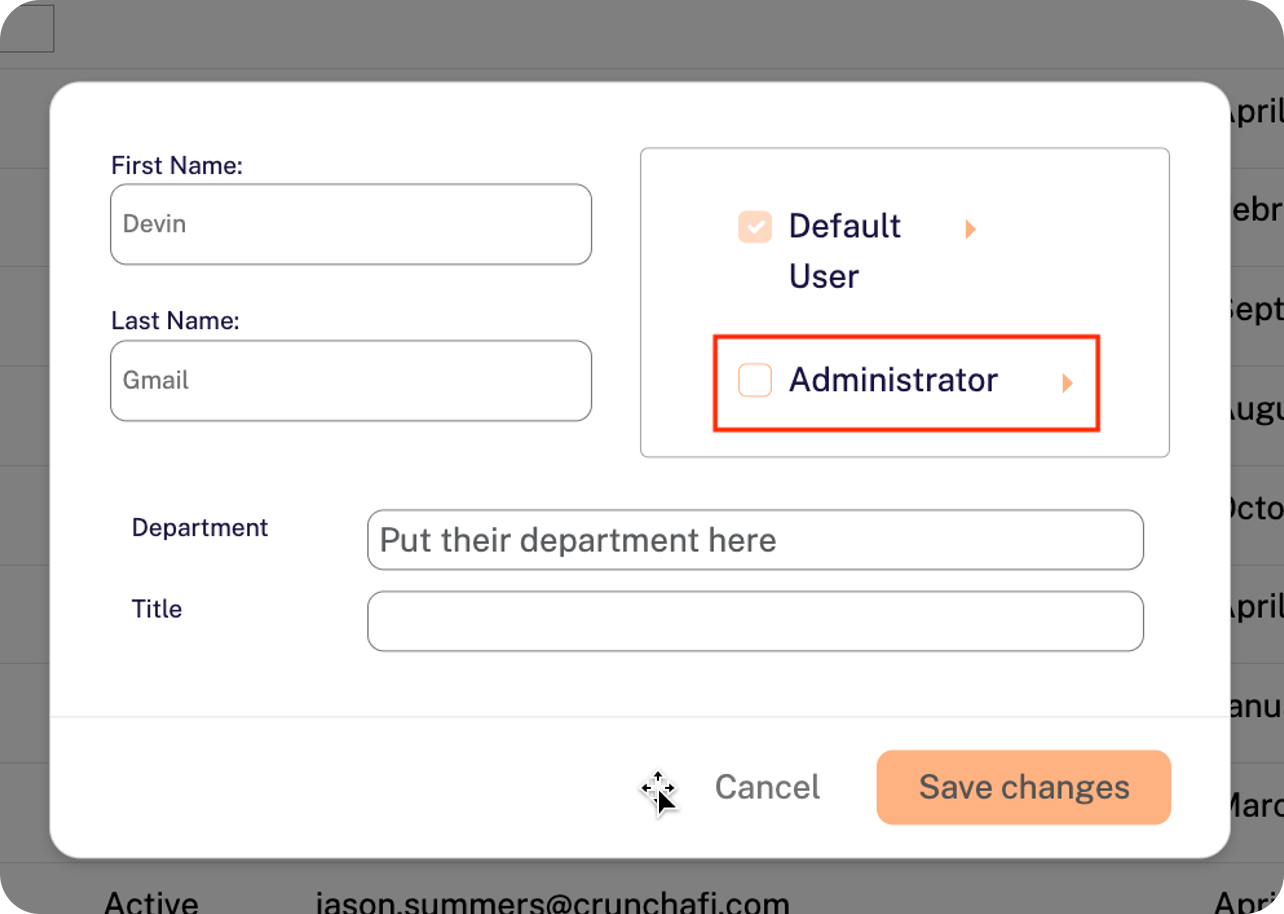
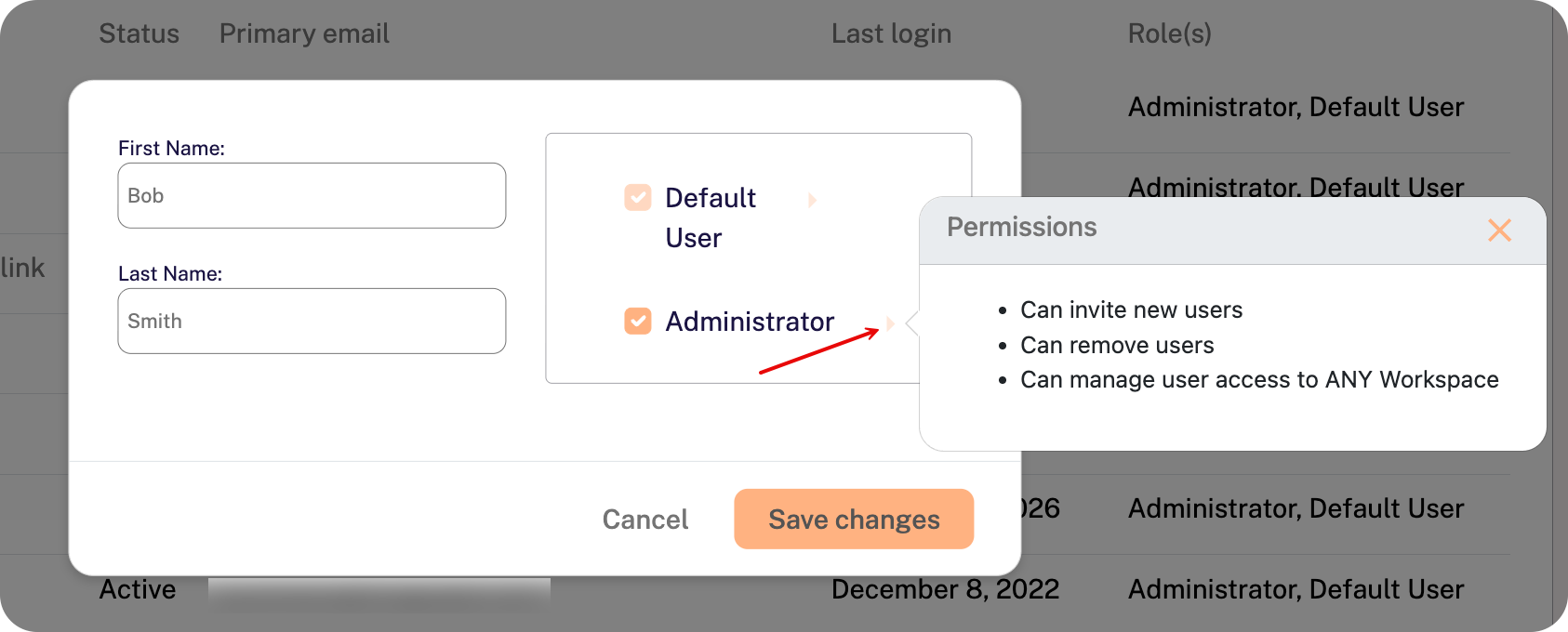
Clicking on the arrows to the right of the role provides details about the permissions.