Data Extraction’s enhanced file upload option converts uploaded financial reports into structured, standardized Excel outputs regardless of ERP or accounting system. If you received a secure URL from your firm or another user to share financial data from your system, follow the steps in this article to upload the relevant files to Data Extraction. This is helpful if your firm is using Data Extraction for auditing and analysis, but your accounting system is not compatible with our integration options.
The following applies to the file upload option as of May 2026:
Copy and paste the shared URL into your browser.
Click Get Started.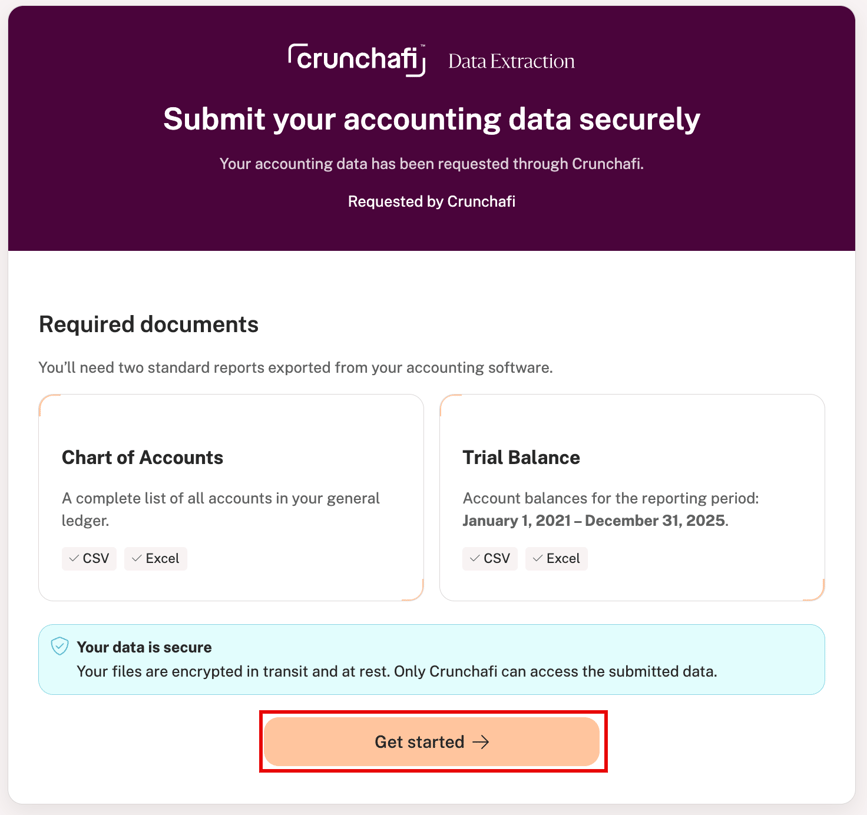
Enter your email address and click Send code to complete the verification. 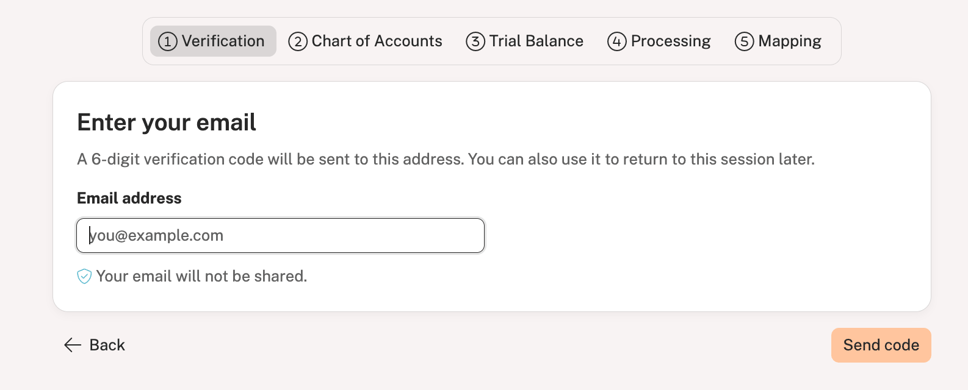
Enter the 6-digit code sent to your email address and click Next.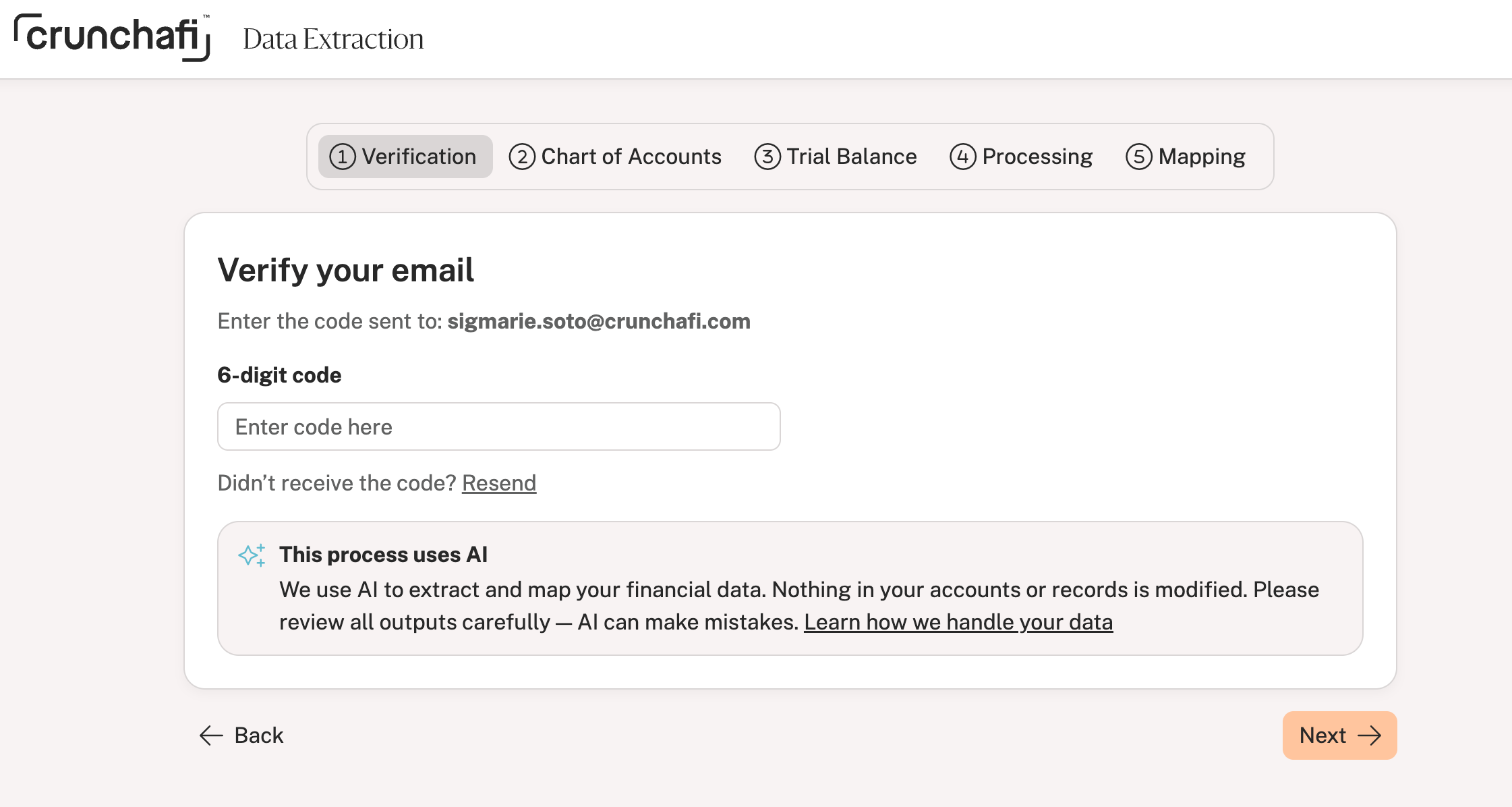
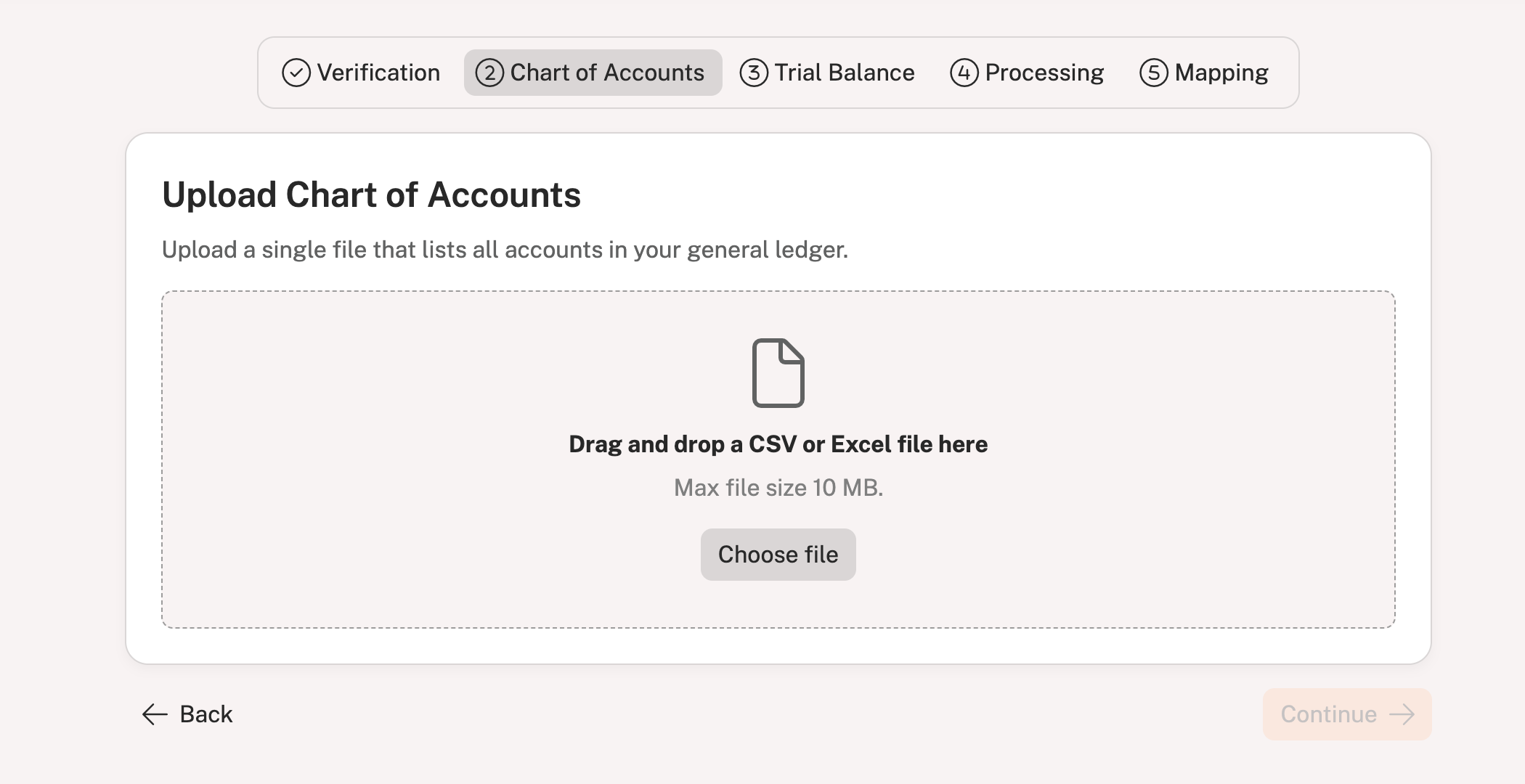
Drag and drop your Chart of Accounts file or click Choose file to find/select the file on your computer.
All accounts in your general ledger must be consolidated into one file for this step
The file size cannot exceed 10MB
Click Continue in the bottom-right corner once the upload finishes processing.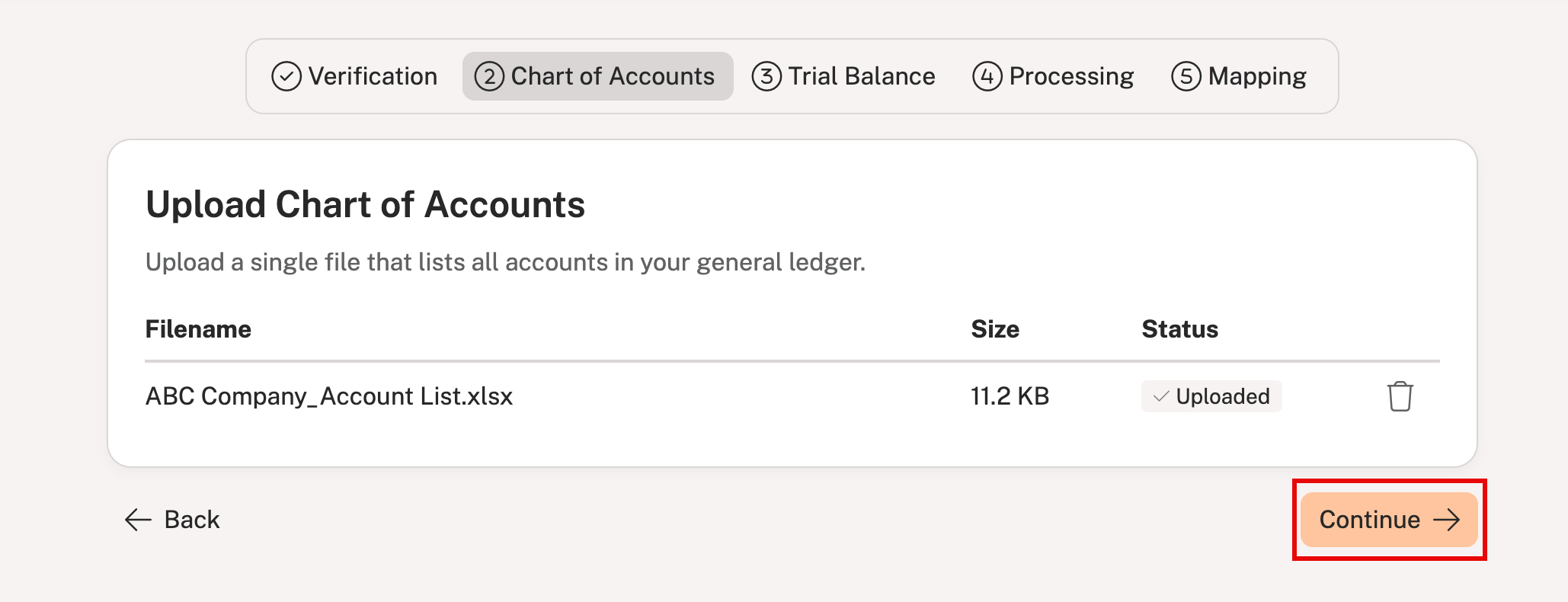
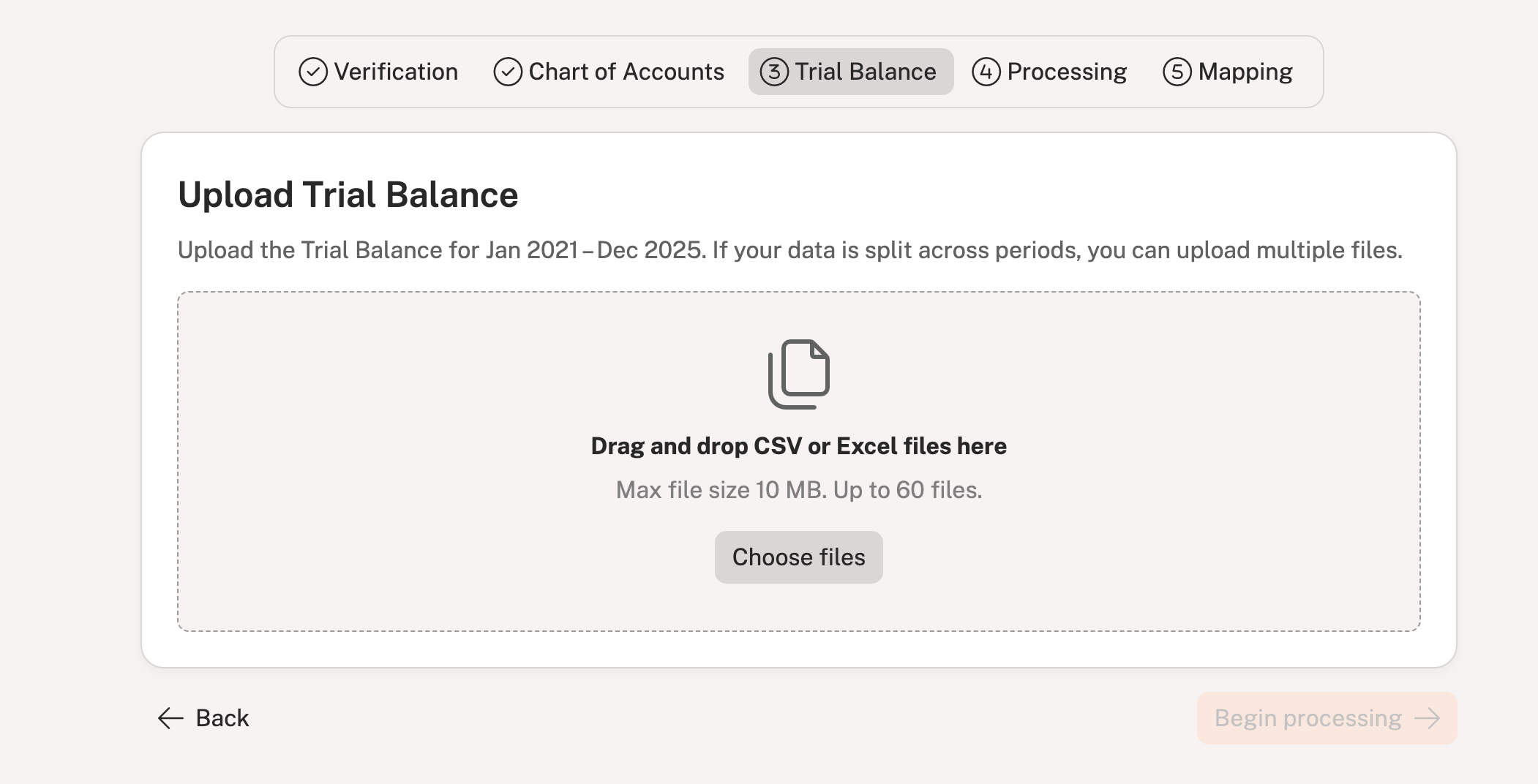
Multiple files can be uploaded if data is split across periods (up to 60 files are allowed)
The maximum file size cannot exceed 10MB
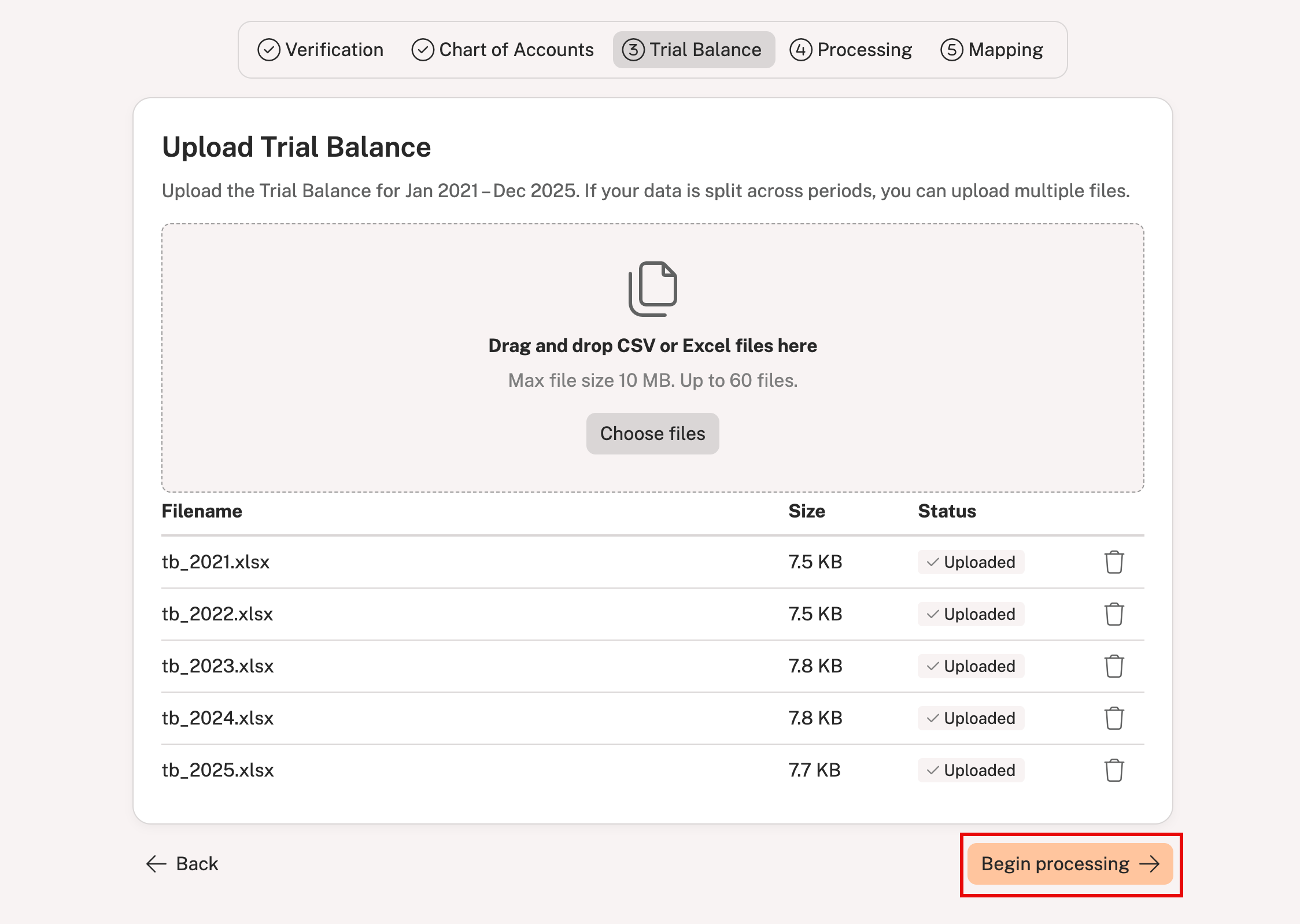
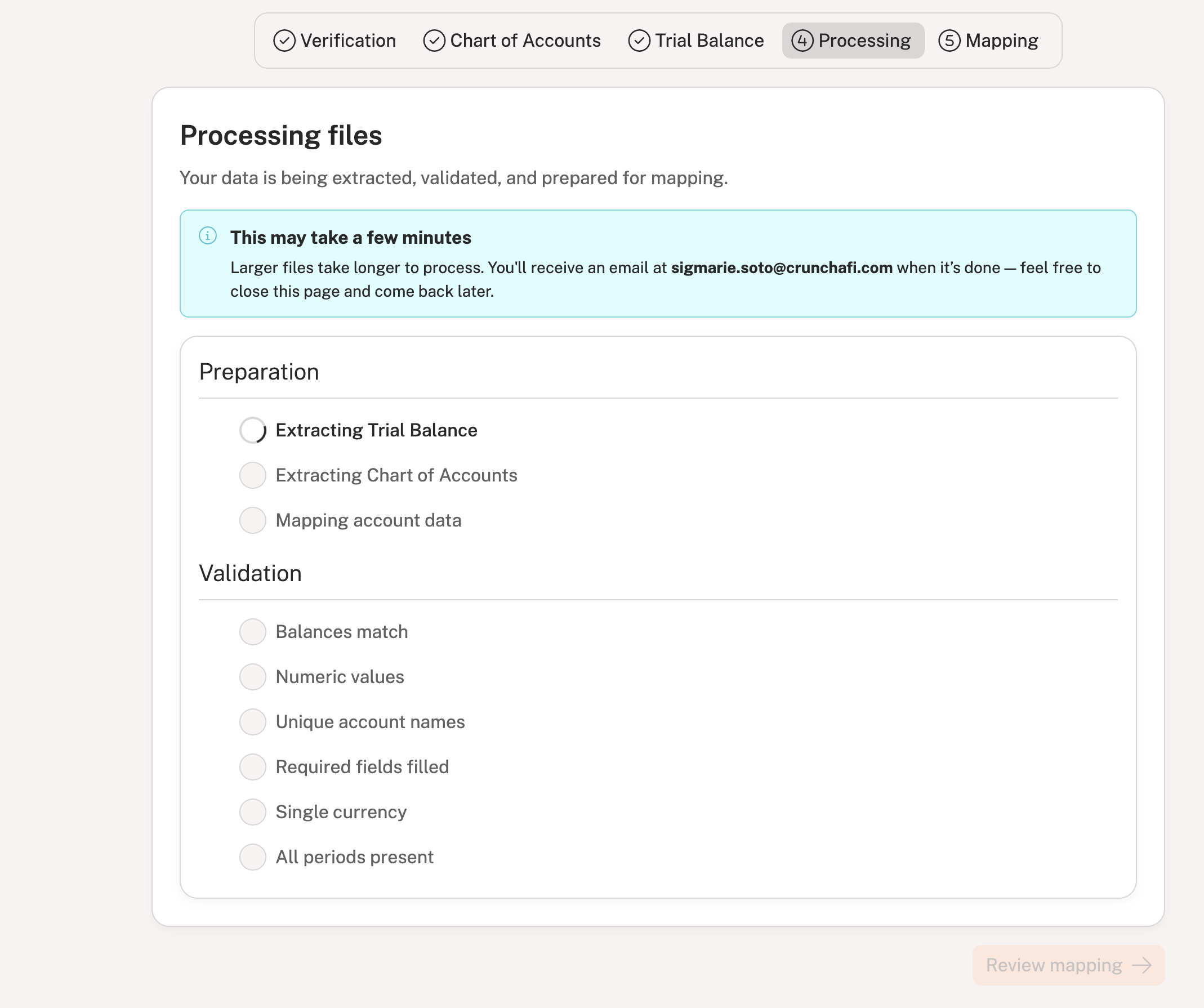
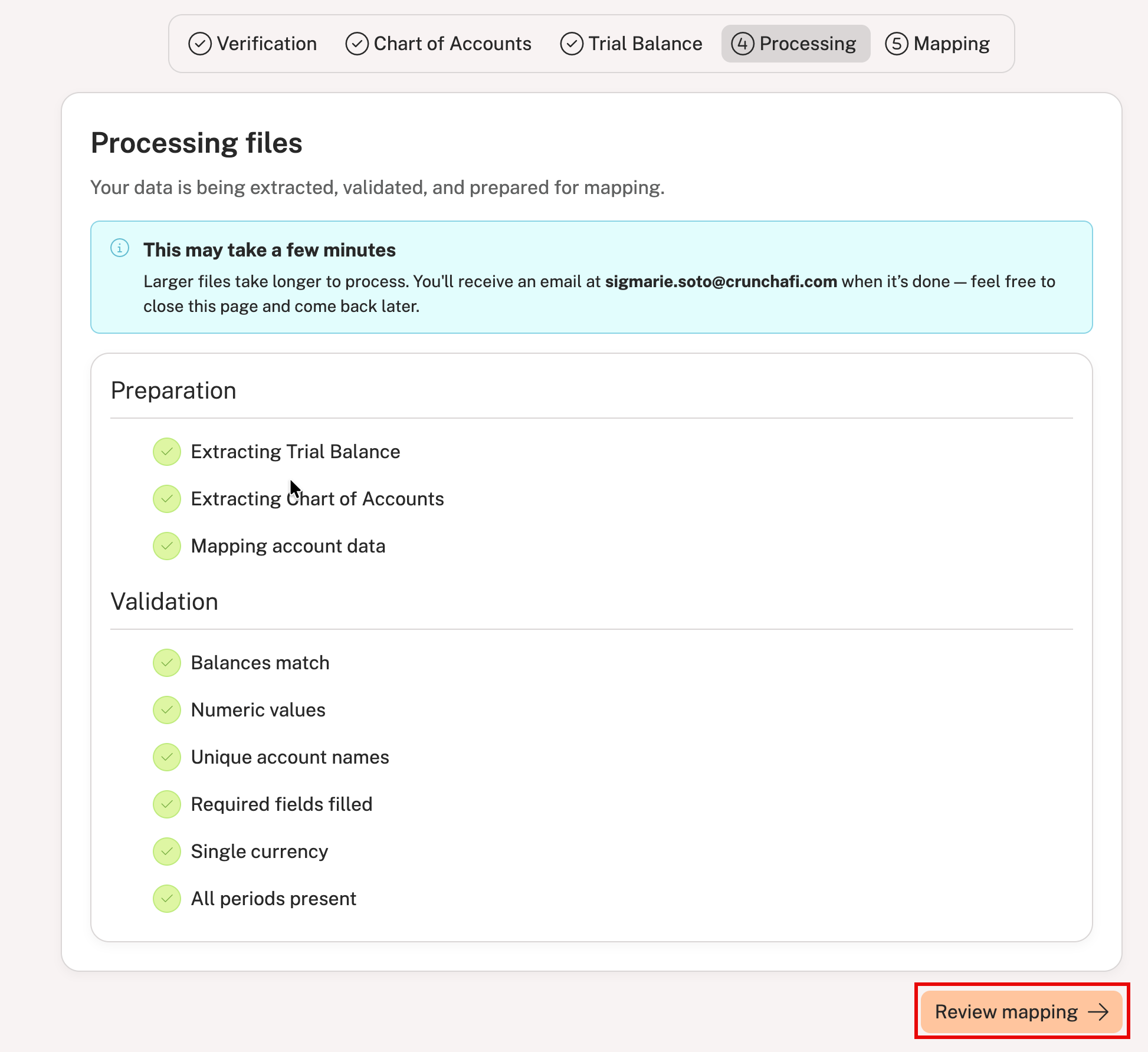
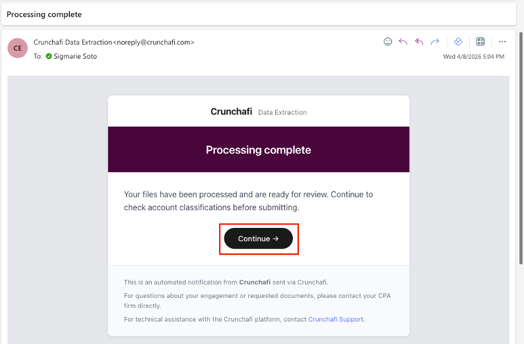
If you left the page during processing, you will receive an email notification when it is completed. Click Continue from the email notification (shown below). If, however, the processing was not successful, you will receive an email notification with a link to review the errors. Click here for troubleshooting help.
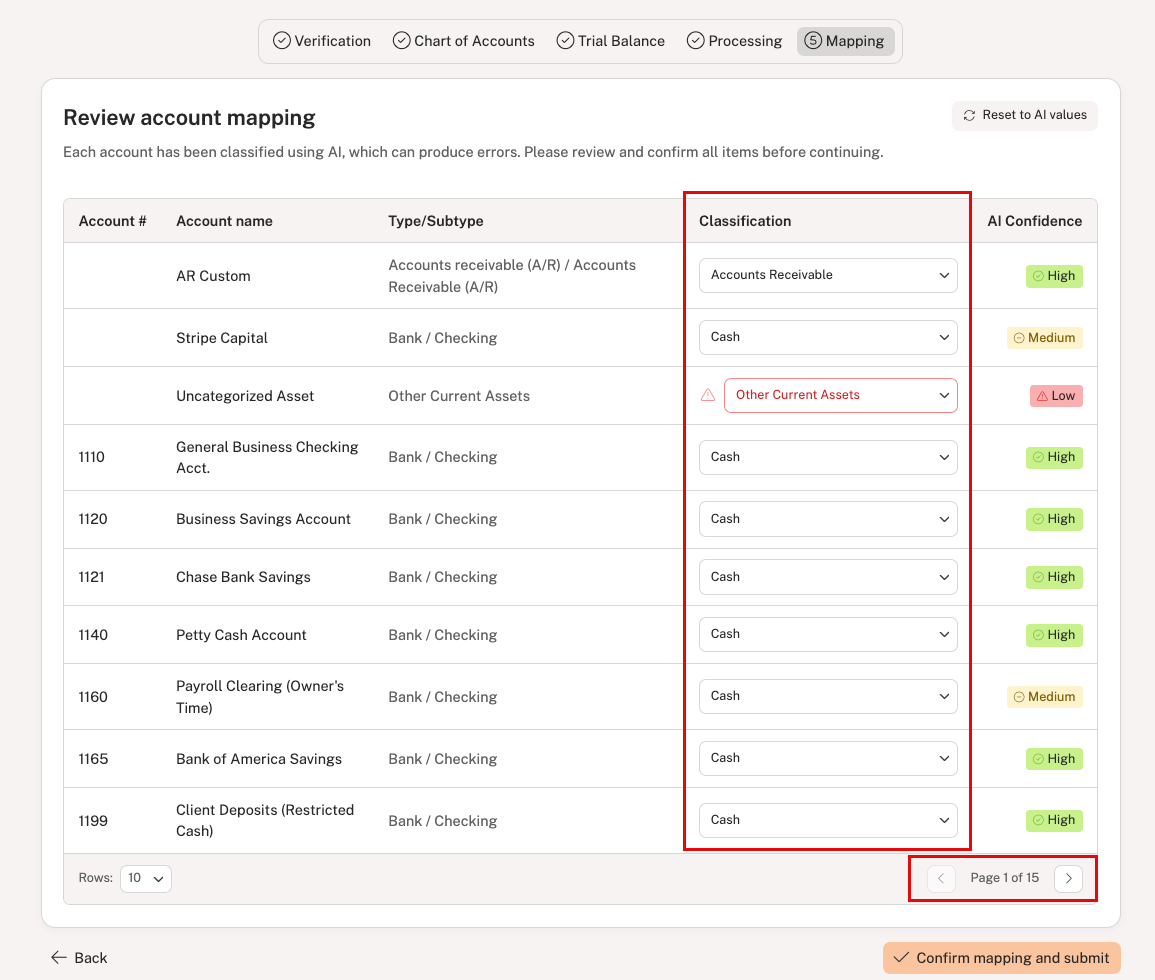
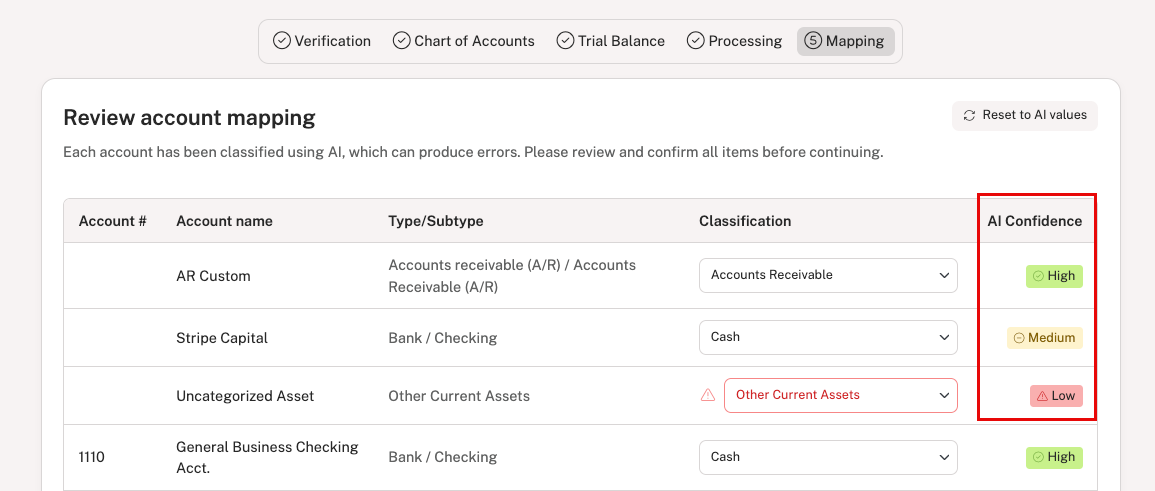
The classification mapping is completed by AI based on the information available and it can make mistakes. It is important to closely review the confidence rating column and update any classifications where necessary. For example, you should always review any classifications flagged with a Low confidence rating and choose a different option, if applicable. Medium and High confidence ratings, however, may not require any action.
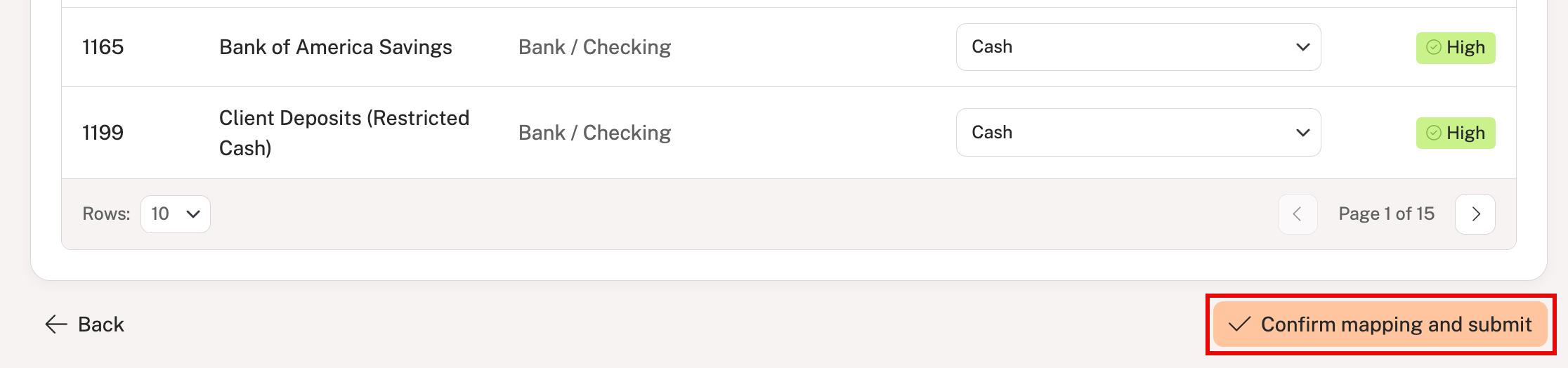
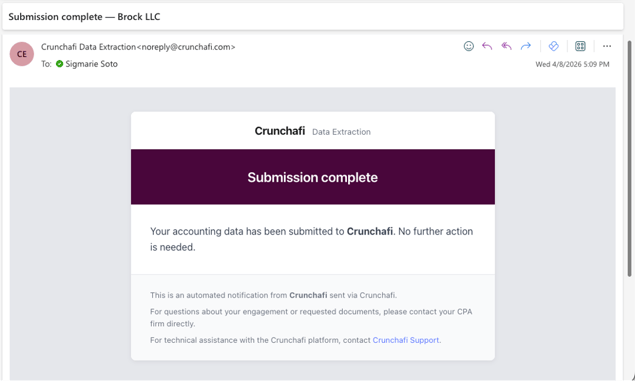
You will receive an email notification that the data has been submitted, and your firm will be able to access the information for further review and analysis from Data Extraction.