Requirements:
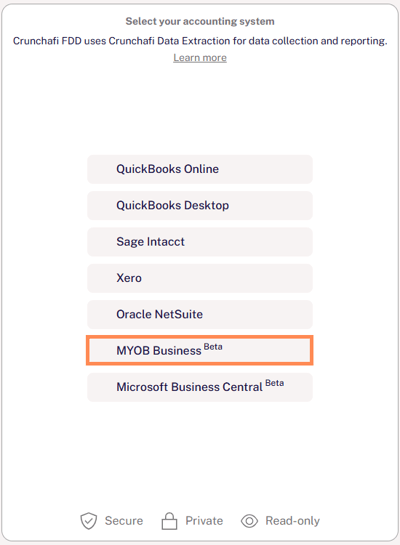
On the initial landing page, click the button for MYOB to start the collection.
The next screen provides additional background information about Crunchafi Data Extraction and the process for sharing your financial information. Click Continue to proceed.
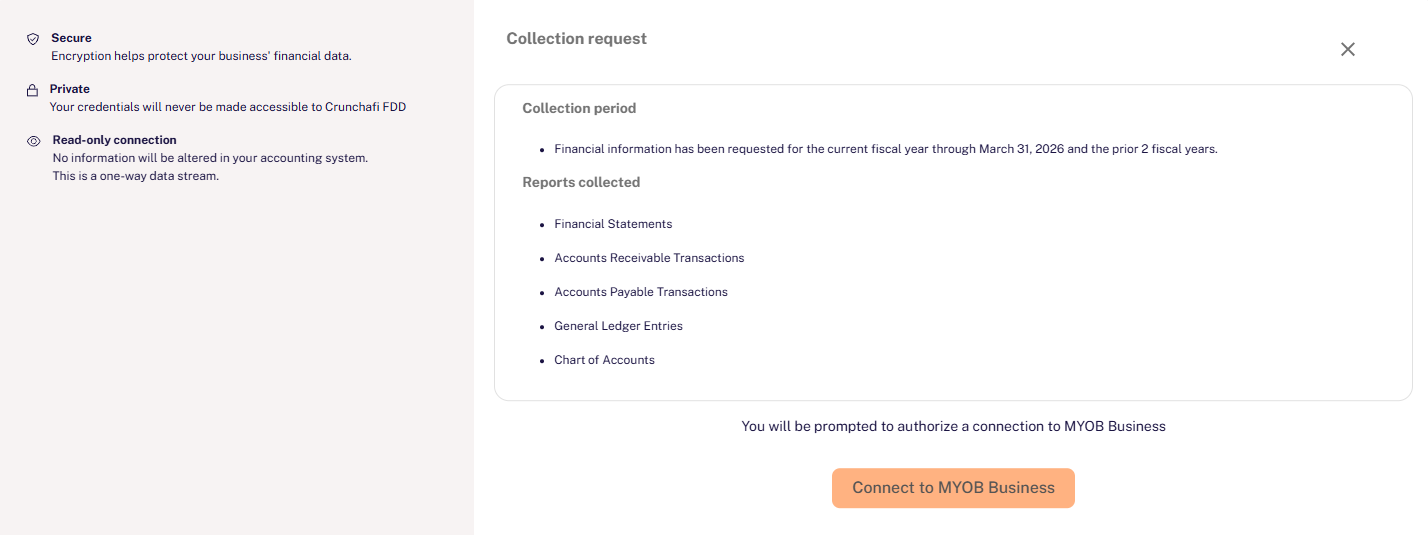
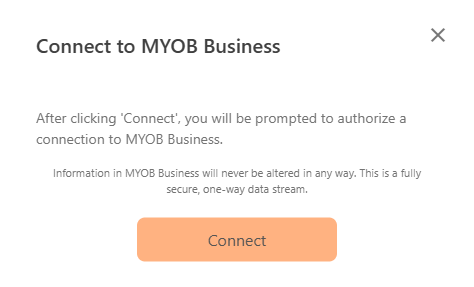
Click the Connect to MYOB button to launch the MYOB login screen.
In the official MYOB Log In window, provide the Email address and Password for your account with access to the correct MYOB company.
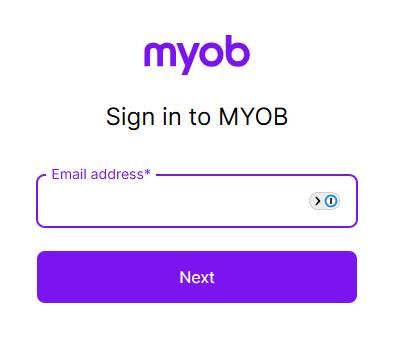
Note: as outlined above, the account must be an Admin-level user to grant permission to Crunchafi Data Extraction.
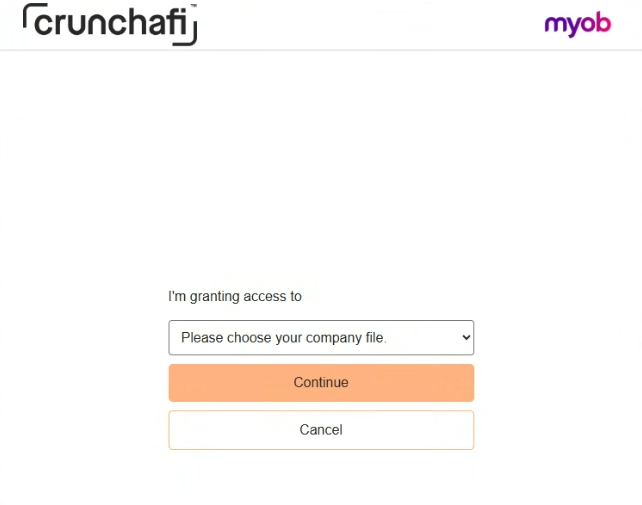
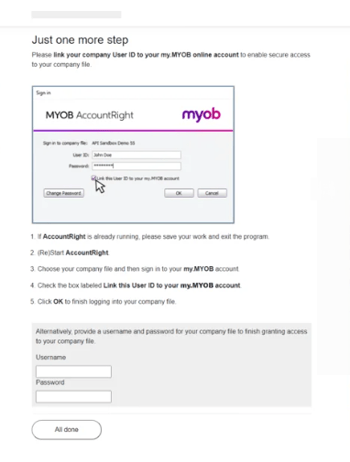
You will need to link your company User ID to your my.MYOB online account to enable secure access to your company file and provide access to Crunchafi Data Extraction. A pop-up will appear with instructions on how to continue granting permission to your file.
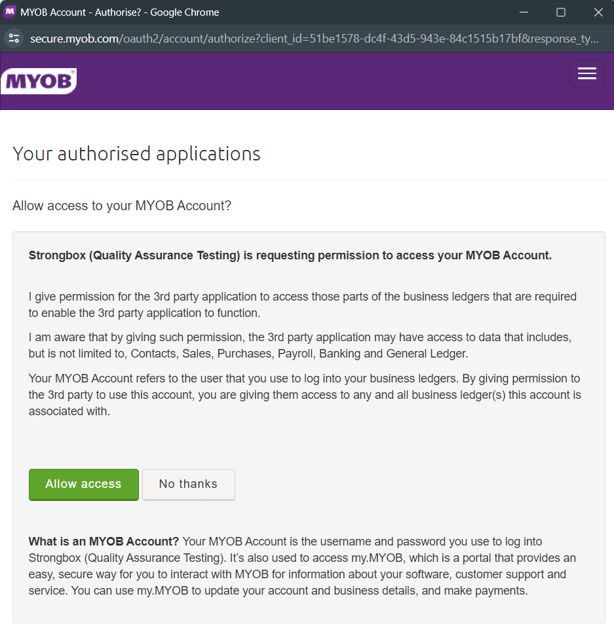
When the connection starts, the portal will provide a progress bar and status updates.
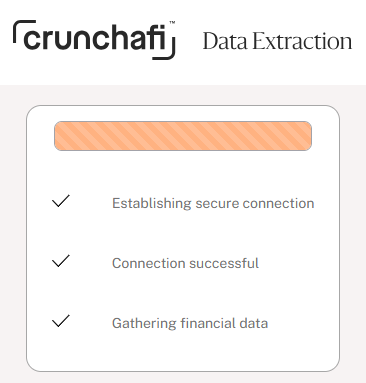
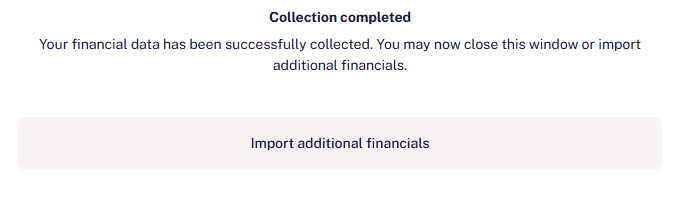
The Crunchafi Data Extraction Portal window will announce when the collection is complete. You've successfully shared reports from MYOB!
Your financial institution may give you an opportunity to upload additional documents or download a copy of the submitted reports.