
Only users with the Administrator role can invite additional users.
1. Go to Administration > Users and click the Invite button.

2. Enter the user's email address, first name, and last name, and choose the relevant role.
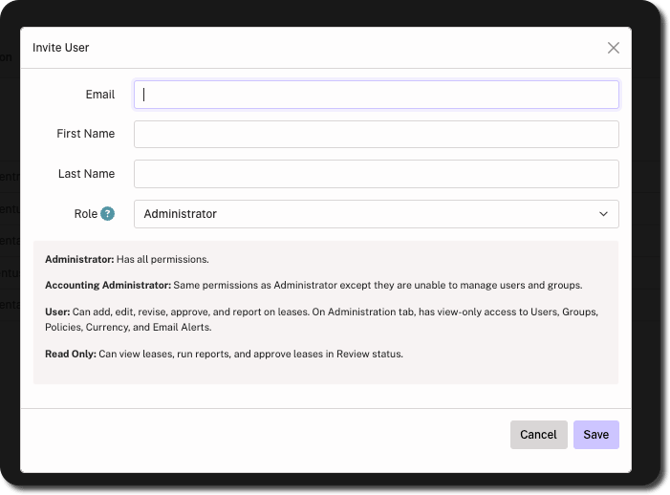
3. Click Save in bottom-right corner.
Once saved, an invitation email is sent to the user with an activation link for account setup.