
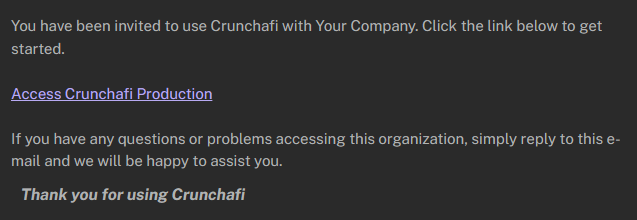
You will receive a new user invitation from an account administrator (or your IT team if your company has SSO enabled). The invite will come from info@crunchafi.com.
To set up your account:
1. Click the Access Crunchafi Production link in the email.
2. Click Send verification code.
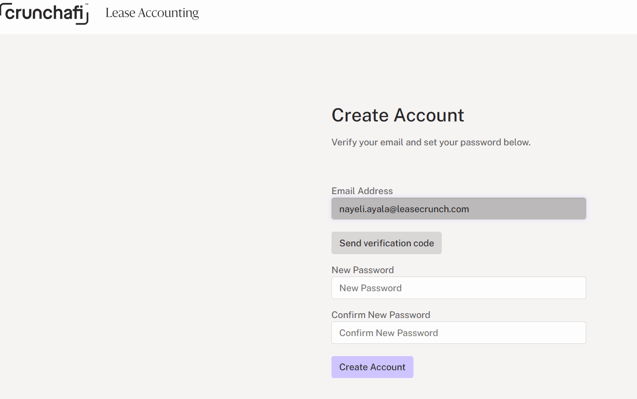
3. Enter the verification code you receive from info@crunchafi.com and click Verify code.
4. Set your password (must be a minimum of 16 characters) and click Create Account.
ATTENTION
If the Create Account button remains disabled after you enter/re-enter your password, confirm that you have completed the verification code step.