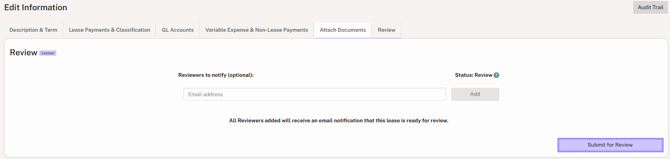
Once Step 1 of the add lease flow is saved, Crunchafi Lease Accounting creates a lease record in Incomplete status.

The lease remains in that status until the following details are provided:
Step 2: Lease Payments & Classifications
Step 3: GL Accounts
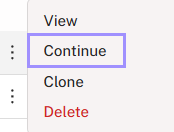
To finish entering details for an incomplete lease, hover over the ⋮ (more) option to the left of the lease name from the My Leases page and select Continue.
The tabs that require attention are highlighted at the top for reference:

If your organization has the Review + Approval feature enabled under Administration > Policies, an additional Review tab is displayed and is required. You must click Submit for Review to move the lease into the next status. Entering reviewer email addresses is optional.