
Under Administration > Policies, one of the options is to Enable Firm Access to my Account.
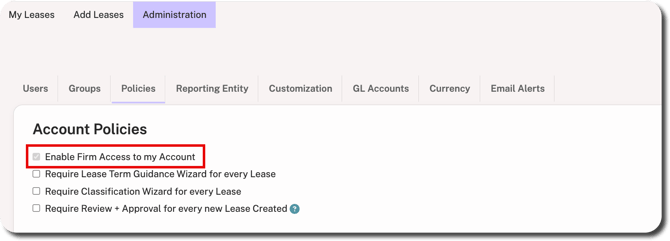
When a client user with the appropriate permissions de-selects the Enable Firm Access to my Account box, CPA firm users can no longer access this client's account.
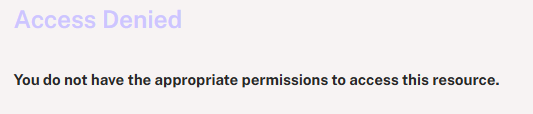
The firm users will see an Access Denied message when attempting to log in:
This setting helps firms comply with hosting services independence guidelines by providing the client control over access to their own account.