
1. Go to Administration > Customization.
NOTE
This tab is only available to users with the Administrator or Accounting Administrator roles. Reach out to an admin for assistance if you do not see this tab.
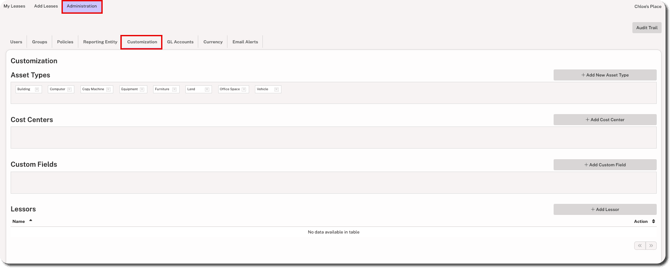
2. Click + Add Cost Center on the right side.

3. Enter the name and click Save.
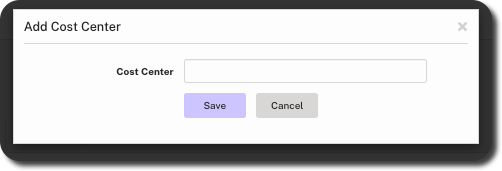
Cost centers added here show on the GL Accounts tab when adding or editing leases. There is no limit to the number of cost centers that can be created. However, a maximum of 10 cost centers can be associated with an individual lease.