
QuickBooks Online sends notifications the first time a connection to Crunchafi/Strongbox ia made. No additional notifications are sent for subsequent connections.
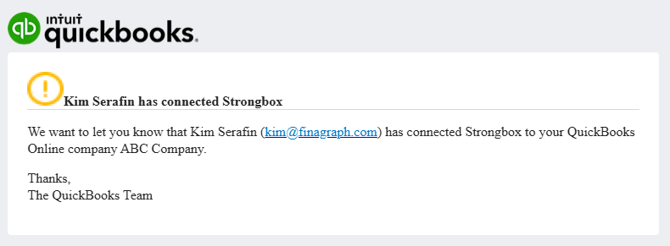
The primary administrator on the QuickBooks Online account and the admin who set up the connection will receive an email notification. The email states that the QuickBooks company was connected to a new app named Crunchafi/Strongbox (see below for samples).
Additionally, any admin in QuickBooks Online can see Crunchafi/Strongbox listed on the connected apps page along with any other supported apps from the Intuit App store.
Crunchafi Data Extraction works with a wide variety of customers from financial institutions, Audit, and Client Advisory Services teams. If there is any concern over this notification, users can inform team members they are testing out a new reporting tool.
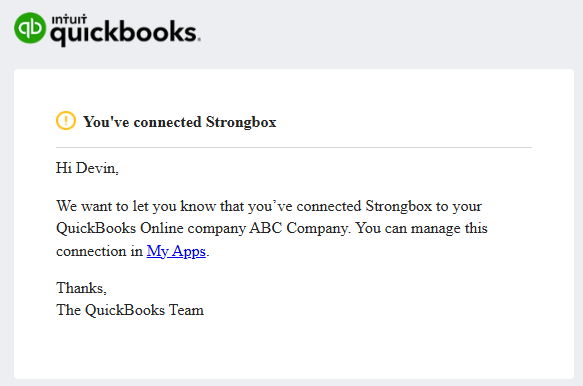
When an admin connects Crunchafi/Strongbox to their QuickBooks online account, two emails are sent from Intuit AppCenter (do_not_reply@appcenter.intuit.com).
This following message is sent to the admin who made the connection:
The following message is sent to the primary admin on the QuickBooks Online company, notifying them that someone else has added a connection.
NOTE:
This article refers to email notifications sent from third-party systems to users upon establishing a Crunchafi/Stronbox connection. Users may receive notifications from Crunchafi regarding connections and other data collection activities.