
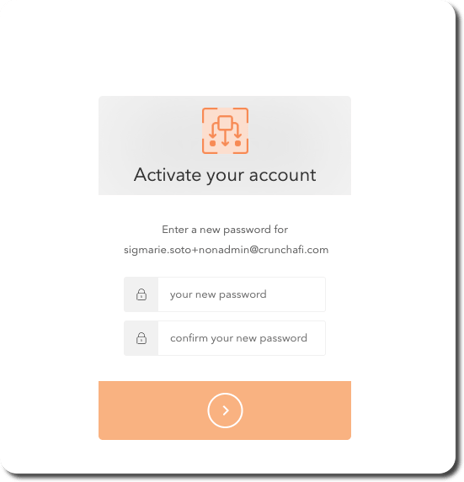
1. Click Activate your account from the invitation email you received.
The activation link in the email expires within 48 hours of receipt. If the link is no longer valid, request that an admin resend the invitation.
If you do not receive the invitation email, confirm that the inbound email address is not being blocked by a spam filter.
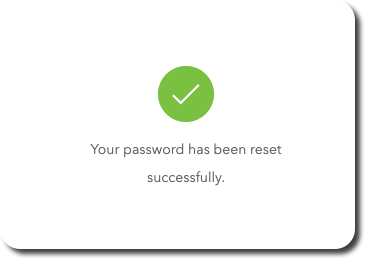
2. Enter/re-enter your new password and click the button to submit. The confirmation page will refresh and redirect you to the login page.
3. Click Login and enter your email and new password.

Next Steps
If you do not already have access to any workspaces, you can submit a request from the dashboard or create a new one if applicable to initiate data collections.