
-
Click your name in the top-right corner of the portal and select User Management.

-
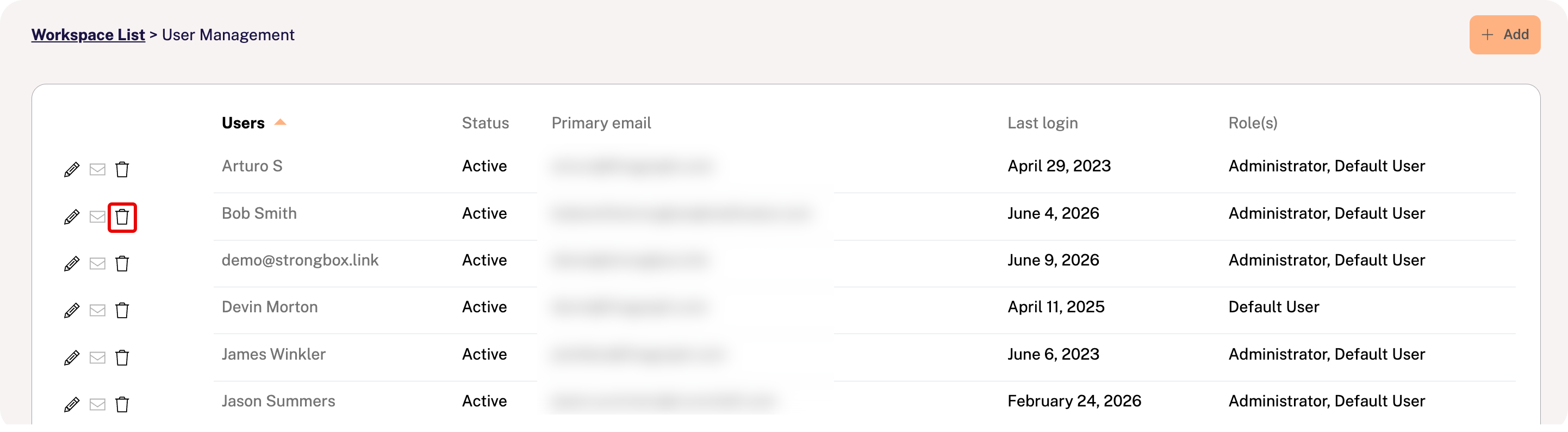
Find the user on the list and click the trashcan icon at the far left of the row.
This will disable the user's access and trigger an "access denied" error message.
Click your name in the top-right corner of the portal and select User Management.
Find the user on the list and click the trashcan icon at the far left of the row.
This will disable the user's access and trigger an "access denied" error message.