
NOTE
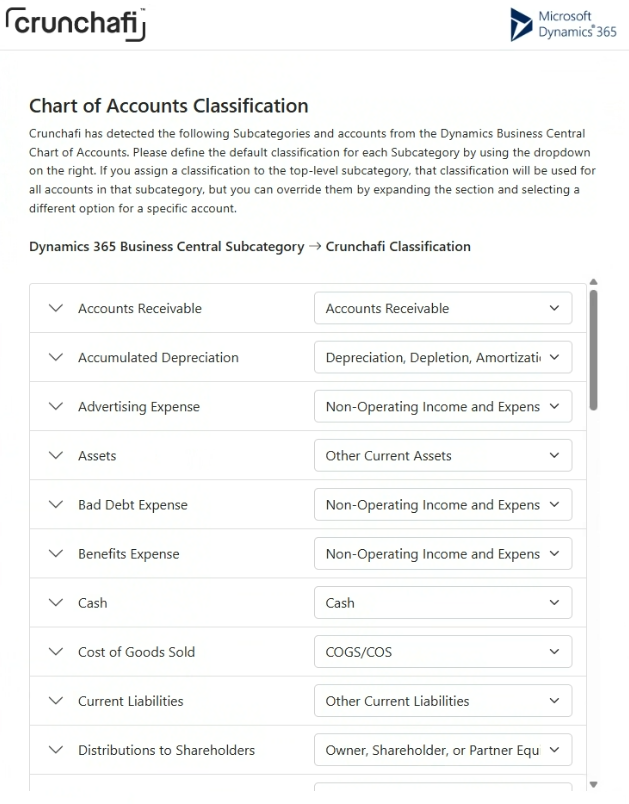
Although mapping the Chart of Accounts is optional, Cash and Prior Year Earnings must be classified for a successful collection. You may need to expand the category to find the relevant subcategory.
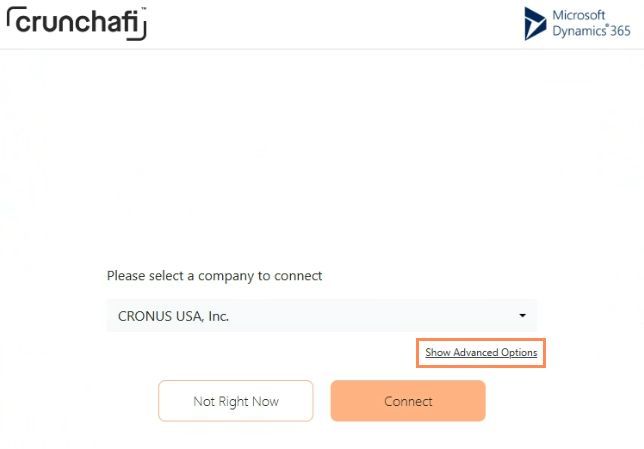
1. After selecting the company per the instructions in the Connecting Directly to Microsoft Business Central article, click on the Show Advanced Options button.
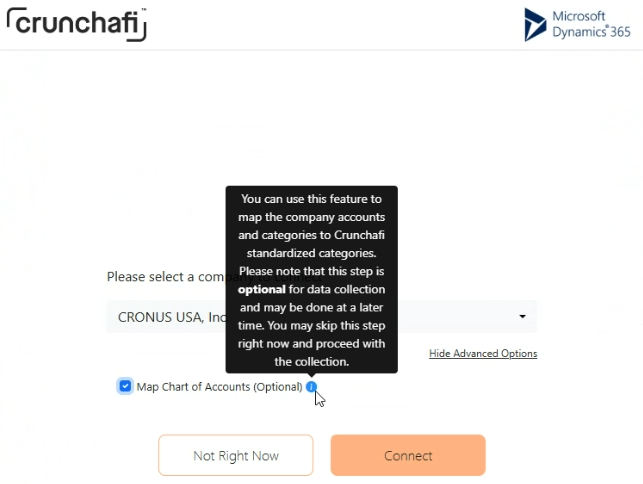
2. Select the Map Chart of Accounts option and click Connect.
3. The Data Extraction portal automatically detects classifications and accounts from the Chart Accounts. Use the dropdown on the right to change the categories as needed.
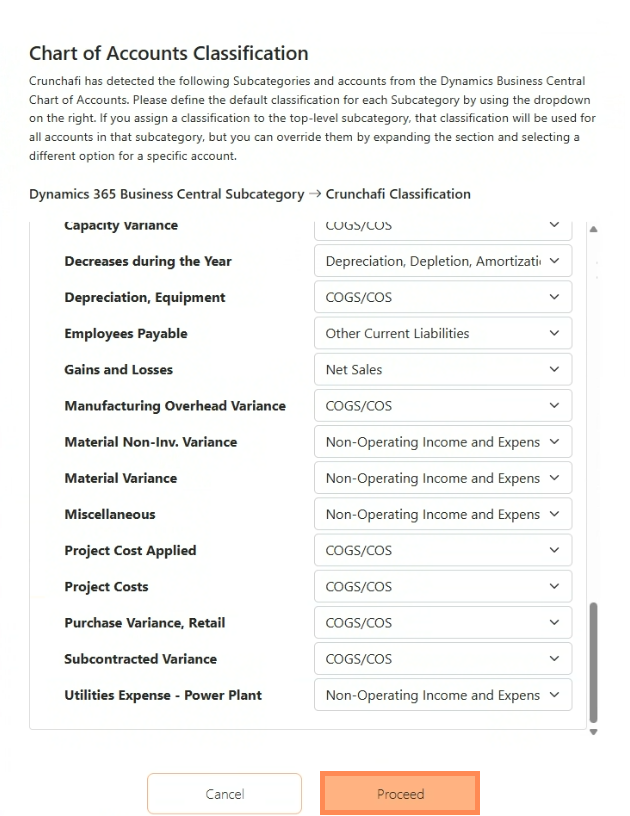
4. Scroll down to the bottom of the window and click Proceed.
When Accounts are not Mapped
If the Chart of Accounts is not mapped, Crunchafi Data Extraction will show the following:
