Follow the steps below to confirm that your QuickBooks Online account meets the requirements for connection to Data Extraction.
1. Log into QuickBooks Online.
2. Click on the gear icon in the top-right corner and select Manager users.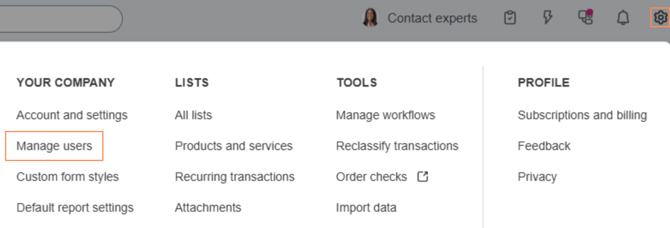
NOTE
If you do not see the Manage Users option, you do not have the necessary admin permissions.
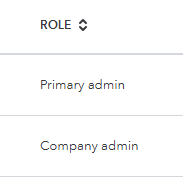
3. On the Users tab, confirm that your company is listed as an admin.
OR
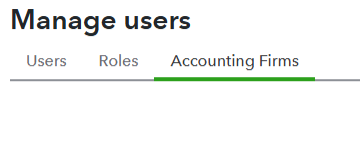
Confirm that your account is listed under the Accounting Firms tab.