
When you connect an accounting system to create a collection in Crunchafi Data Extraction, a token is stored temporarily (typically 90 days). Follow the steps below if you need to disconnect Crunchafi Data Extraction from your Xero account.
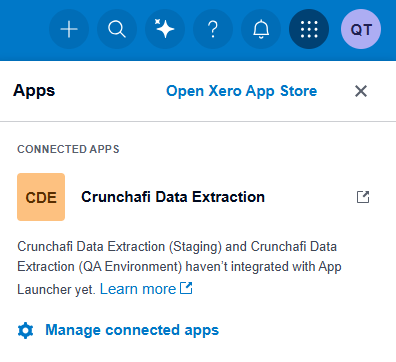
1. Click on the name of the organization and click the Settings (i.e., the grid icon in the top navigation bar).
2. Click Manage connected apps.
3. Click Disconnect next to the app name: Crunchafi Data Extraction (US Edition).
For more information on disconnecting from Crunchafi Data Extraction using this method, see Xero's Help Center Article: Disconnect a connected app.