Requirements
- You must log into NetSuite as an admin.
- Follow the steps in the NetSuite Configuration article to enable REST Web Services and Token-Based Authentication before continuing.
Share Requested Data
1. Copy and paste the secure URL shared by your firm into your browser.
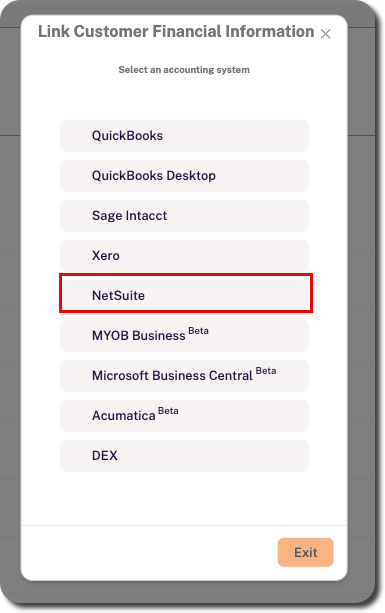
2. Select NetSuite from the list.
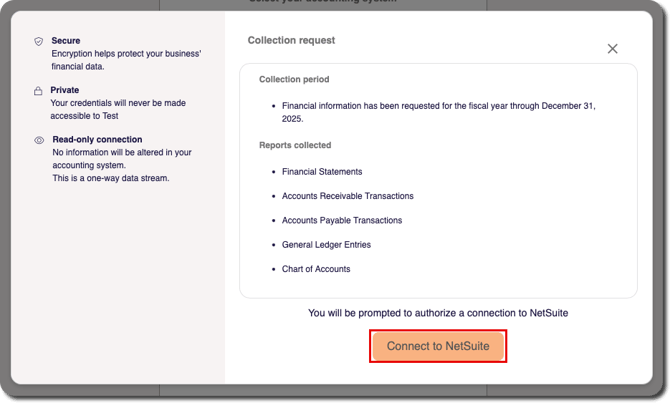
3. Review the additional context for the information requested by your firm via Crunchafi Data Extraction, including which reports were requested. Click Connect to NetSuite.
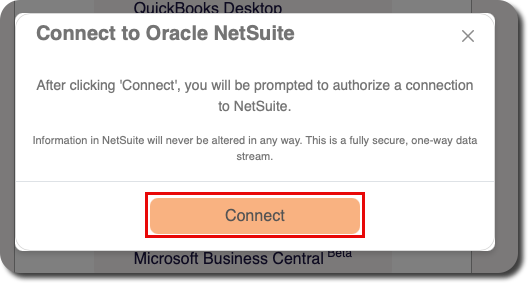
4. Click the Connect button to confirm.
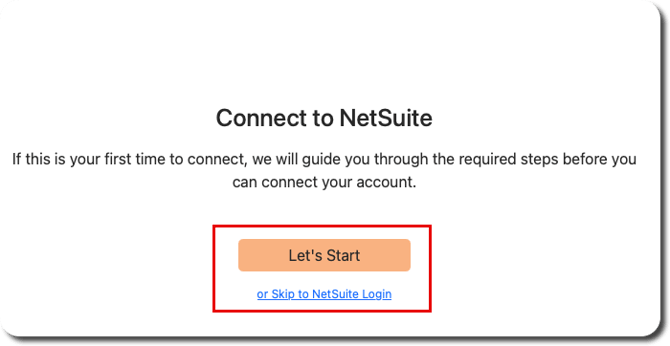
5. If you have already completed the required configuration steps, click Skip to NetSuite Login to enter your admin login credentials and complete two-factor authentication (if applicable). If you have not completed configuration, click Let's Start for instructions.
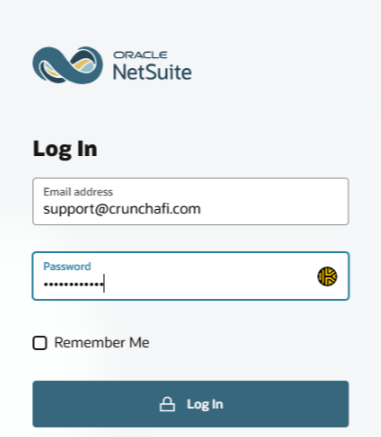
6. Enter your admin credentials on the NetSuite login page.
NOTE
You may be prompted to enter a Two-Factor Authentication (2FA) code depending on your account settings.
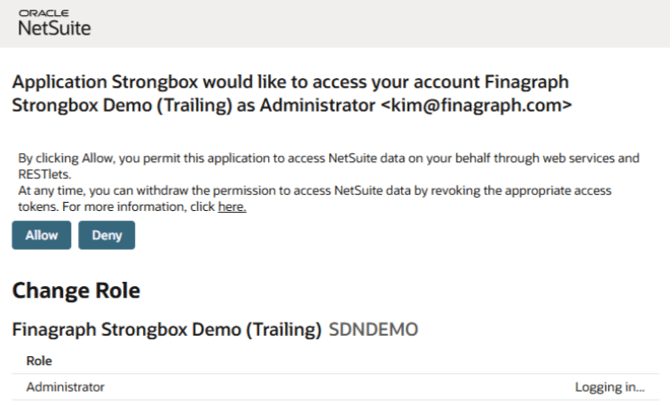
7. Click Allow to confirm you want to grant NetSuite access to Data Extraction via web services.
NOTE
If you have access to multiple company files, first click Choose account next to the correct company at the bottom of the screen and then click Allow.
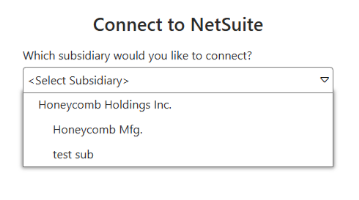
9. Click the Select button to start the connection.
Next Steps
When the connection starts, the portal will display a progress bar and status updates.
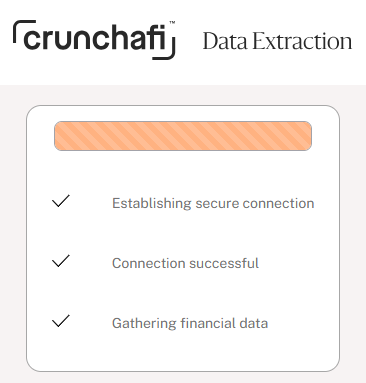
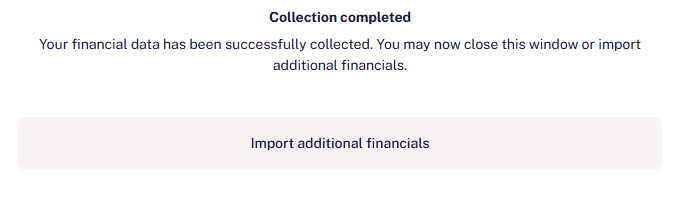
A confirmation will appear when collection is completed and the financial reports have been successfully shared. Depending on the data collection parameters set by your firm, you may have the option to upload additional documents or download a copy of submitted reports.