
Change Password
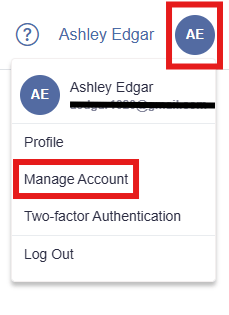
- Click on the user menu icon in the top-right corner and select Manage Account.
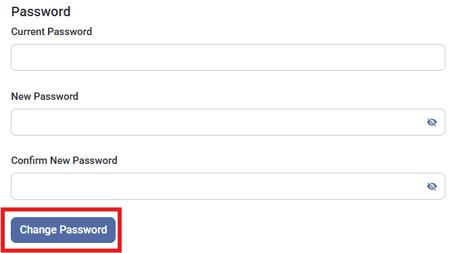
- Enter your current password and then enter and confirm your new password.
- Click Change Password.
Change Email Address
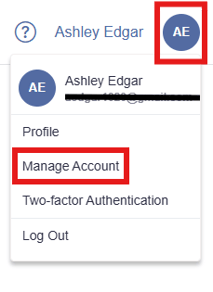
- Click on the user menu icon in the top-right corner and select Manage Account.
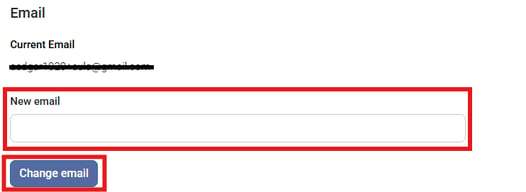
- Enter the new email address you want to use and click Change email. Your email address will now be pending validation.
- Check your new email inbox for a verification email and click Confirm Email.
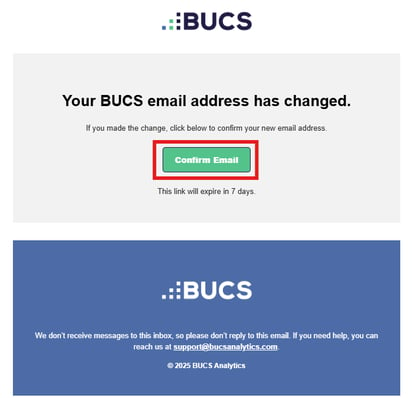
You will log into BUCS with your new email address and the existing password moving forward. If you have any issues changing you email address, contact support@bucsanalytics.com.