
From the Crunchafi Lease Accounting login page:
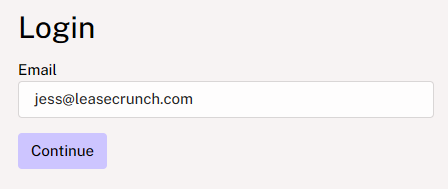
1. Enter the email address associated with your account and click Continue.
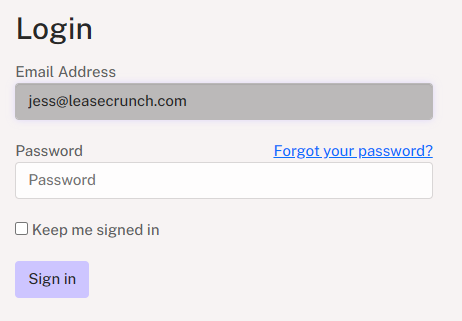
2. Click Forgot your password? below the email address.
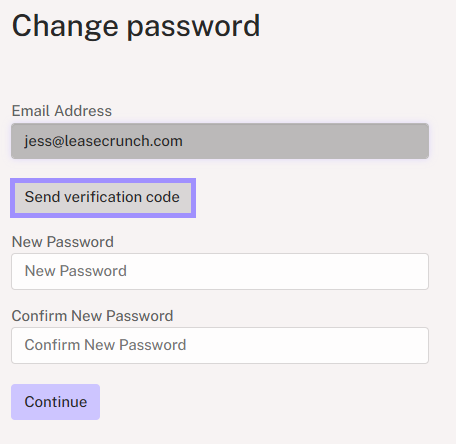
3. Click Send verification code.
4. Enter the verification code you receive via email and click Verify code.
NOTE
If you do not see the verification code email within a few minutes, make sure to check your junk/spam folders. Reach out to support@crunchafi.com or your IT department if you followed the steps above and do not receive the verification email.
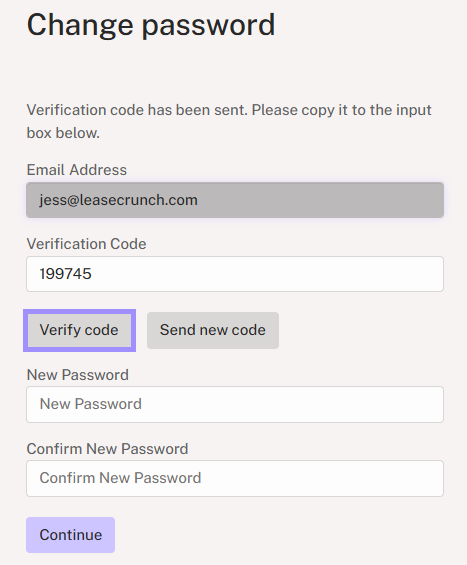
5. Enter/re-enter the new password (must be a minimum of 16 characters) and click Continue.