
1. Go to Applications in the top navigation bar of Sage Intacct.

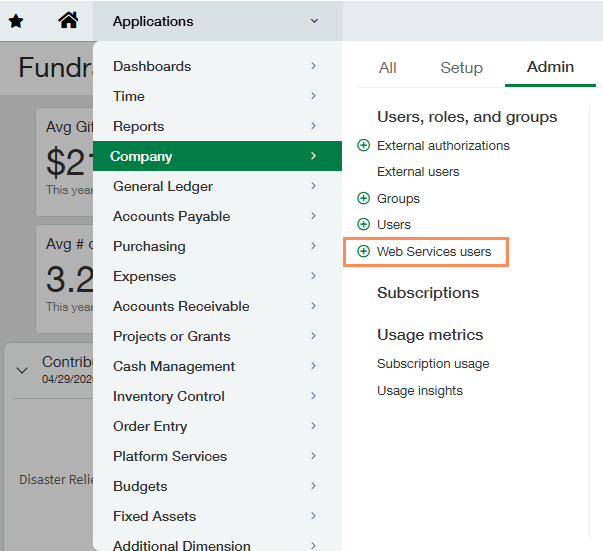
2. Go to Company > Admin (tab) > Web Services users.
3. Click on Edit for the Web Services user.

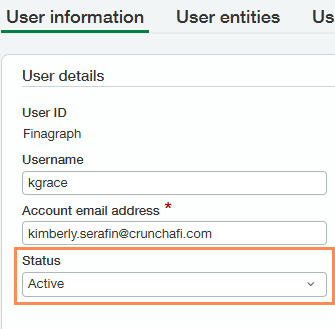
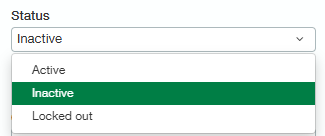
4. Change the Status to Inactive.
5. Click Save in the top-right corner.
1. Go to Applications in the top navigation bar of Sage Intacct.
2. Go to Company > Admin (tab) > Web Services users.
3. Click on Edit for the Web Services user.
4. Change the Status to Inactive.
5. Click Save in the top-right corner.